In-cab driver monitoring
Fatigue
Management
A logbook tells you a driver was allowed to be behind the wheel. It doesn’t tell you whether they were awake.

Real-time in-cab alerts
Infrared, day & night
Cloud evidence
Driver coaching

The gap in every fatigue policy
Rosters manage exposure.
Cameras manage the moment.
Fatigue management has traditionally been a paperwork exercise — hours of service, break scheduling, rostering, and a signed declaration at the depot gate. Those controls matter, and they are the backbone of a compliant operation. But every one of them is a prediction made before the trip starts.
Micro-sleeps and long eye closures don’t wait for the next scheduled break. They arrive on a quiet stretch of highway at 3am, on the last leg of a shift, in a driver who passed every check on the way out. By the time a fatigue event shows up in your incident data, the risk has already been realised.
A driver-facing infrared camera closes that gap. It is the only control that operates continuously, inside the cab, while the vehicle is moving — and the only one that can intervene while there is still time to act.
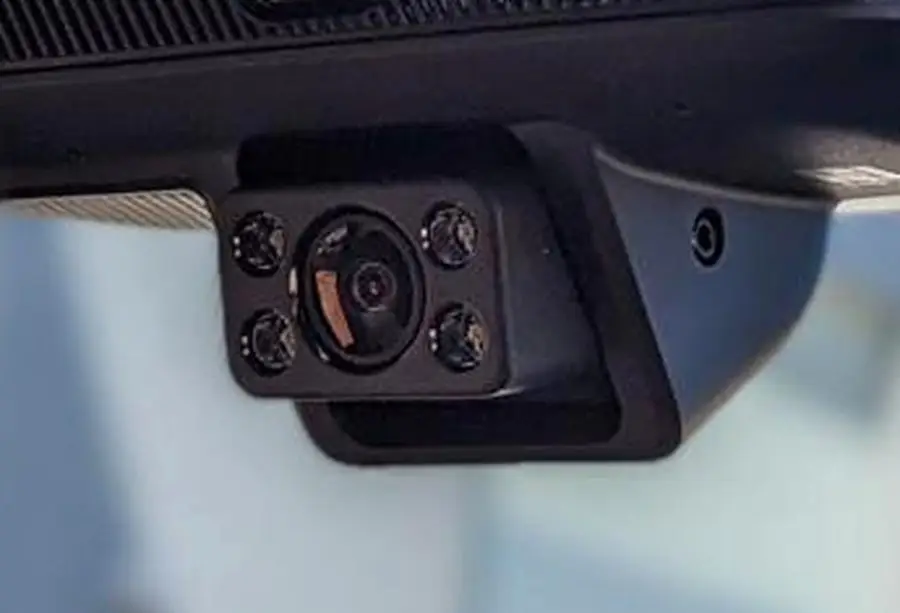
Six-LED infrared driver-facing camera — operates in full darkness without illuminating the cab.
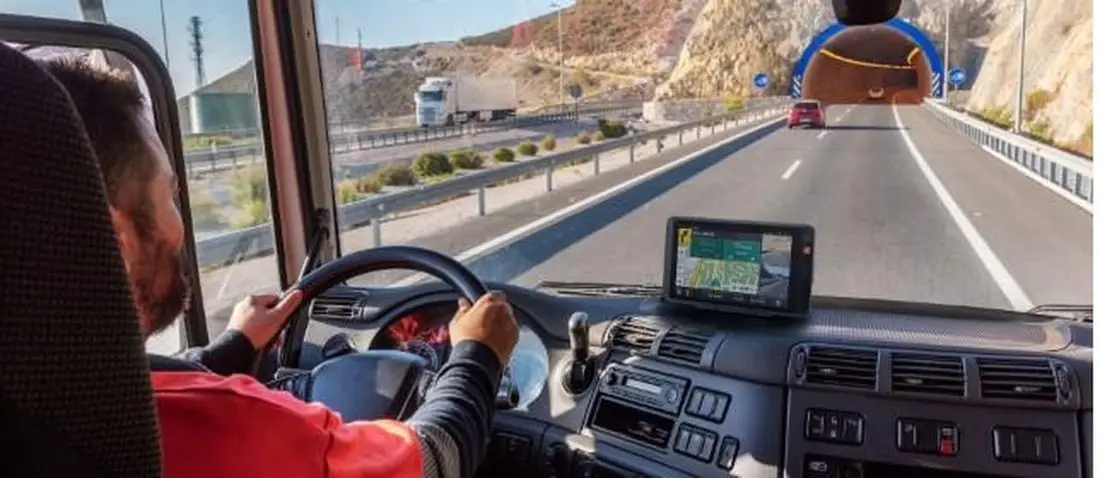
Detect · Alert · Capture · Coach
From a lapse to a
closed-out conversation
Detect
Alert
Capture
Coach
Alert catalogue
What the system
watches for
Fatigue rarely presents on its own. It shows up alongside drifting, late braking and inattention — so the system monitors the driver, the road ahead and the vehicle’s motion together, and treats them as one risk picture.
Driver monitoring
- Signs of fatigue — eye closure and head position tracked continuously
- Distraction — head turned away from the road beyond a set duration
- Mobile phone use — handset activity detected while driving
- Seat belt not worn
- Smoking and other cab-policy breaches (configurable)
Road ahead
- Lane drift — gradual departure from lane centre, a classic fatigue indicator
- Lane departure — leaving the lane without indication
- Forward collision warning — closing distance on the vehicle ahead
- Tailgating — following too closely for the speed
- Stop sign and speed limit violations
Vehicle motion
- Harsh braking — late reaction, often the first fatigue symptom to appear in data
- Harsh acceleration
- Harsh cornering
- Over-speeding against the posted or fleet limit
- Impact detection, including while parked
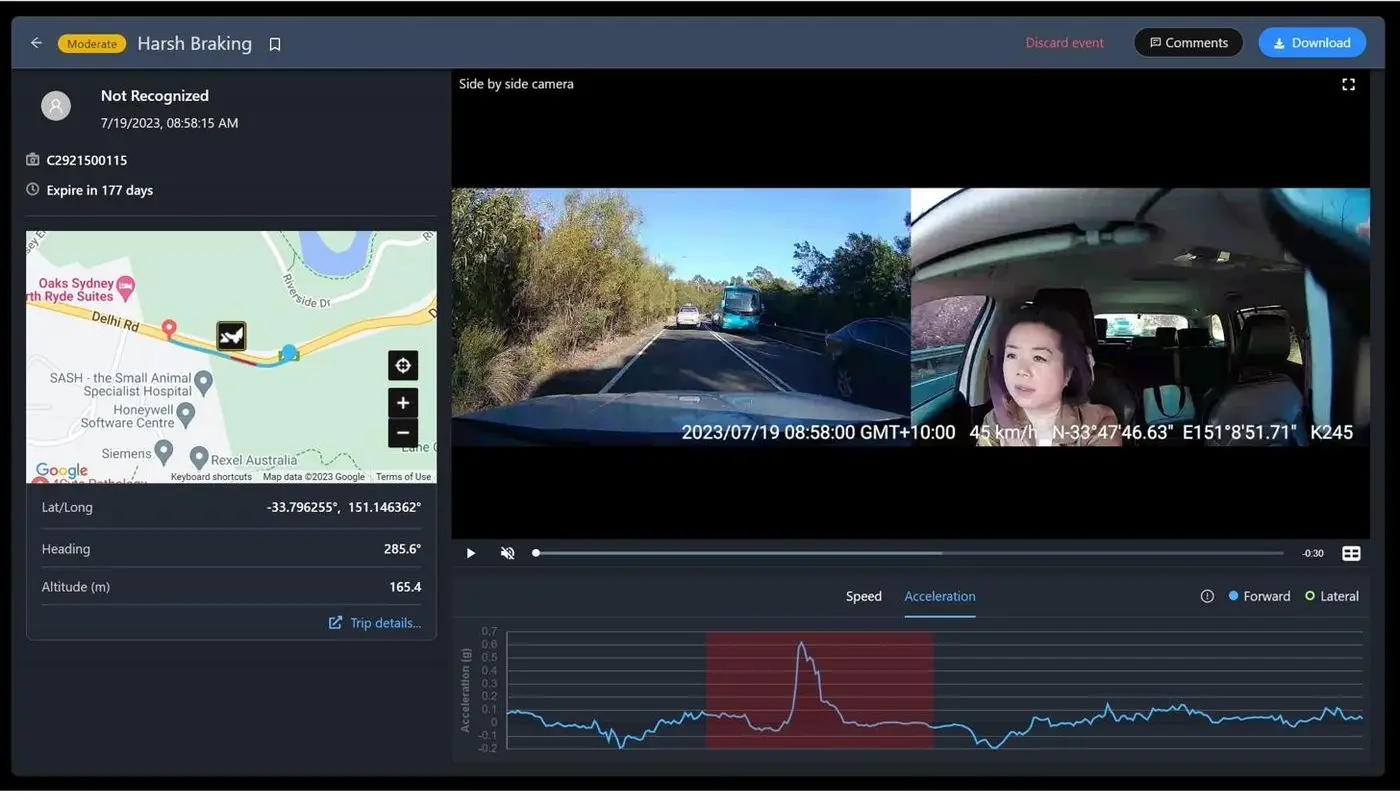
Every alert arrives as evidence, not a number.
- Severity-ranked event feed
- Driver scorecards and trend history
- Live view and trip replay
- Geo-fence entry and exit alerts
- Download or stream footage for investigations
- API and SDK for integration with your existing fleet systems
Choose your configuration
Built for the vehicle,
not the other way around
Red Edge E1
Light fleet · utes · vans
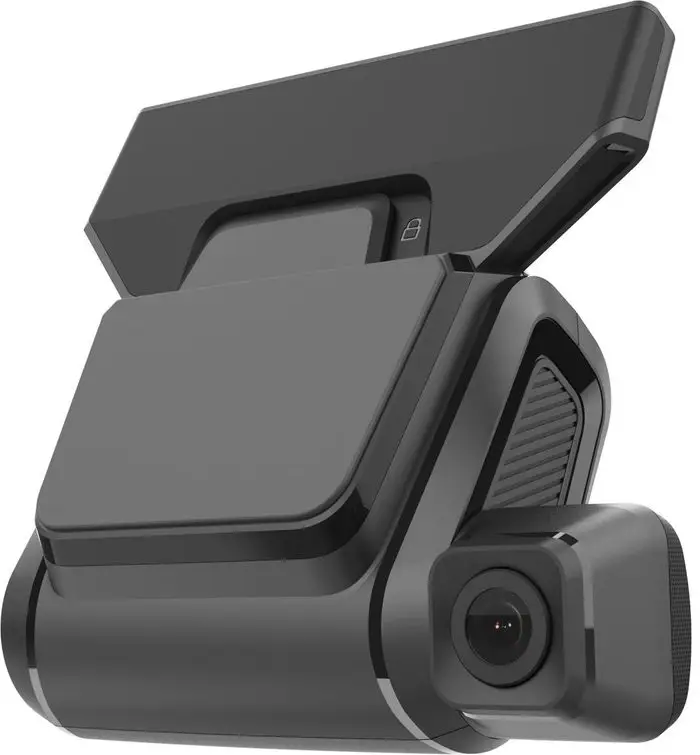
- Cameras
- Forward Full HD 1080p / 30fps
- Fatigue monitoring
- Add the E-IR infrared camera
- Connectivity
- 4G LTE Cat.6, dual-band Wi-Fi, BT, GNSS
- Size / weight
- 98 × 106 × 39.2 mm · 193 g
Red Edge E2
The fatigue baseline
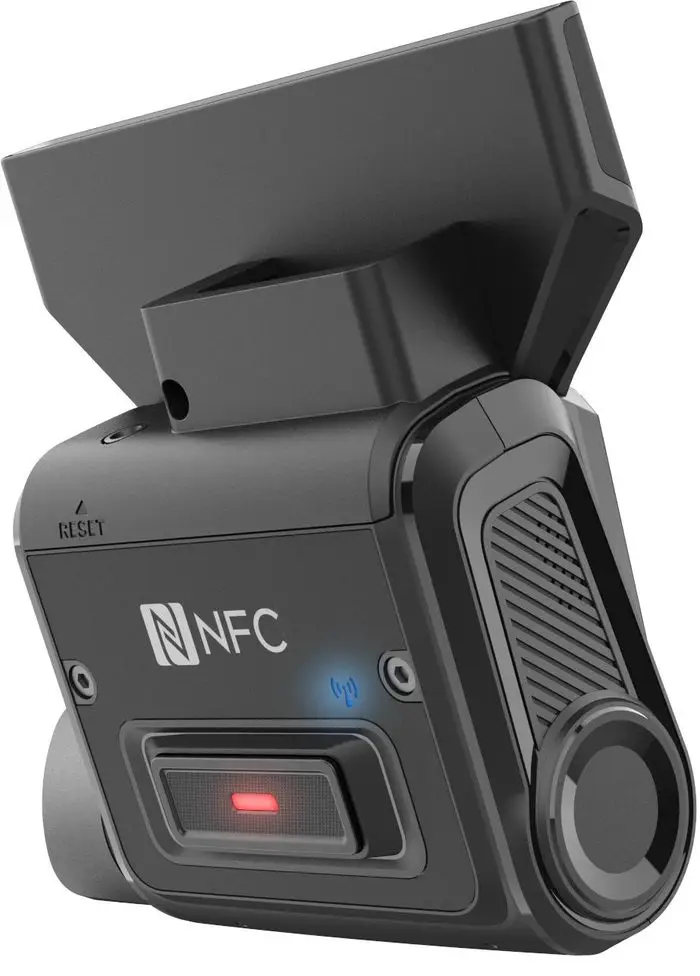
- Cameras
- Forward + inward infrared, both Full HD
- Fatigue monitoring
- Built in — no add-on required
- Connectivity
- 4G LTE Cat.6, dual-band Wi-Fi, BT, GNSS
- Size / weight
- 122.8 × 106 × 44.2 mm · 213 g
Red Edge E7
Heavy vehicles · plant
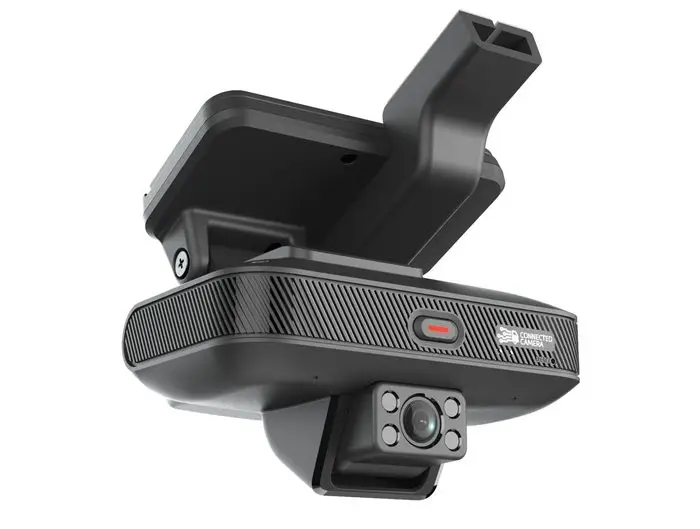
- Cameras
- Forward + inward IR, plus up to 5 more (4 × TVI, 1 × USB)
- Fatigue monitoring
- Built in — embedded AI, DMS and ADAS
- Storage
- Dual SD slots, up to 1 TB, plus cloud backup
- Size / weight
- 124 × 88.6 × 101 mm · 340 g
Red Edge E-IR
Add-on · retrofit
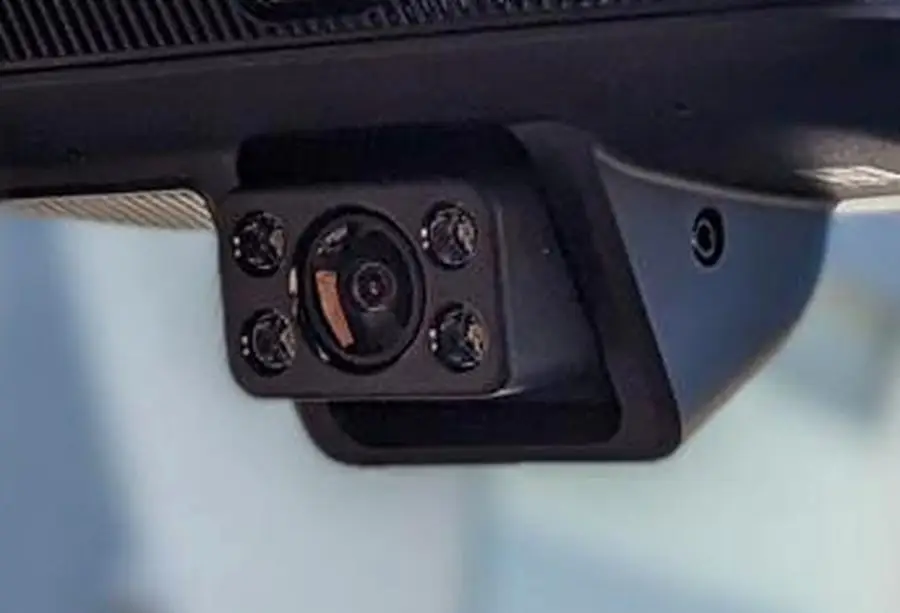
- Purpose
- Adds driver-facing fatigue monitoring to a forward-only install
- Placement
- Windscreen or A-pillar; 3-axis adjustable mount
- Imaging
- 6 IR LEDs, 720p / 30fps, auto day-night
- Fits
- E1, E2 and E7
Alert types and sensitivity thresholds are configurable per fleet, and some alerts activate only above a set road speed. Available alerts vary by model and software plan. In-cabin recording may constitute workplace surveillance — we’ll confirm the exact configuration and privacy settings for your fleet.
Why Red Edge
Supplied, installed,
configured, supported
Specified, not sold
Installed properly
Configured with you
Supported locally
Let’s look at your